 Every Indian streaming service, one watchlist
Stop juggling watchlists.
Start watching.
Netflix, Prime Video, Hotstar, Zee5, SonyLIV, Apple TV — the titles you save are scattered across every app. AllWatchlists pulls them into one watchlist, enriched with ratings, genres and runtimes, so you can decide what to watch tonight in seconds.
How it works
Three steps to your unified watchlist
Pull in what you've already saved
Click a service and the extension reads the watchlist you built on Netflix, Hotstar, Prime and more — in a background tab. No copy-paste, no re-saving.
Decide what to watch
Your titles land in one view, auto-enriched with posters, ratings, genres and runtimes. Filter by mood, sort by rating, and pick tonight's watch in seconds.
Your watchlist, on the big screen
The same unified watchlist follows you everywhere — filter it on the web, browse it on your phone, and pick tonight's watch from the couch on Android TV & Google TV.
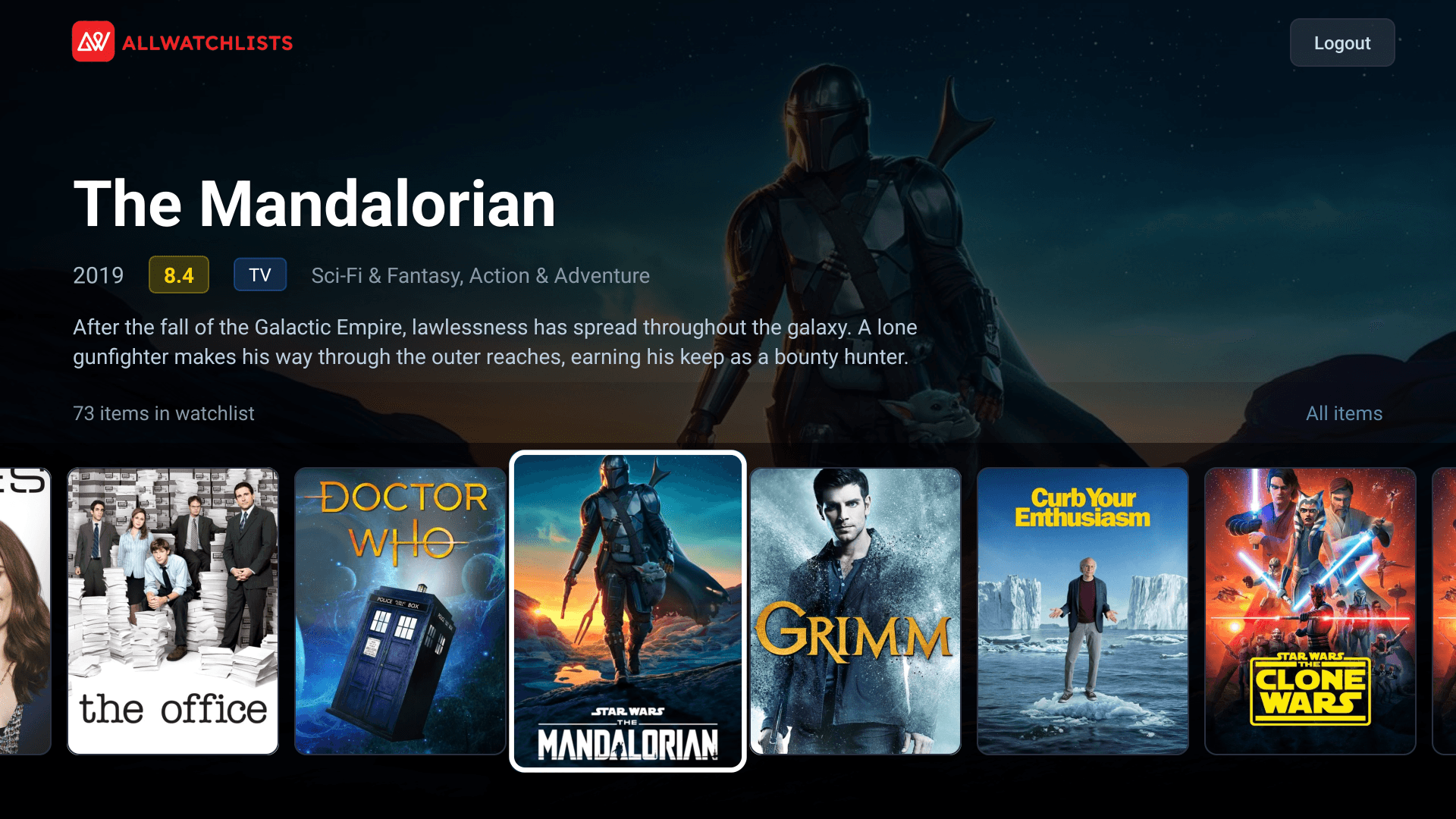
The phone & TV apps are in beta — you'll get an invite right after you sign up.
Everything you need
Simple tools to take control of your streaming watchlist
Every service, one watchlist
Netflix, Prime Video, Hotstar, Zee5, SonyLIV and Apple TV — no more app-hopping to remember what you saved where.
Auto-enriched, not just a list
Every title comes with its poster, rating, genres, runtime and language from TMDB. Your watchlist looks like a library, not a spreadsheet.
Filter to a decision
Slice by platform, genre, type, language, minimum rating or runtime, then sort by popularity, rating or release. The right pick in seconds.
Ready to unify your watchlist?
Sign up in seconds — no credit card required. Start importing your saved titles and take control of your streaming life.
Create free account